PracTrac & CSNTrac
Record each day’s work. Invoicing takes care of itself.
Mobile and desktop apps for patient tracking and automated invoicing — PracTrac for Christian Science practitioners and CSNTrac for Christian Science nurses.
- iPhone
- Android
- Desktop browser
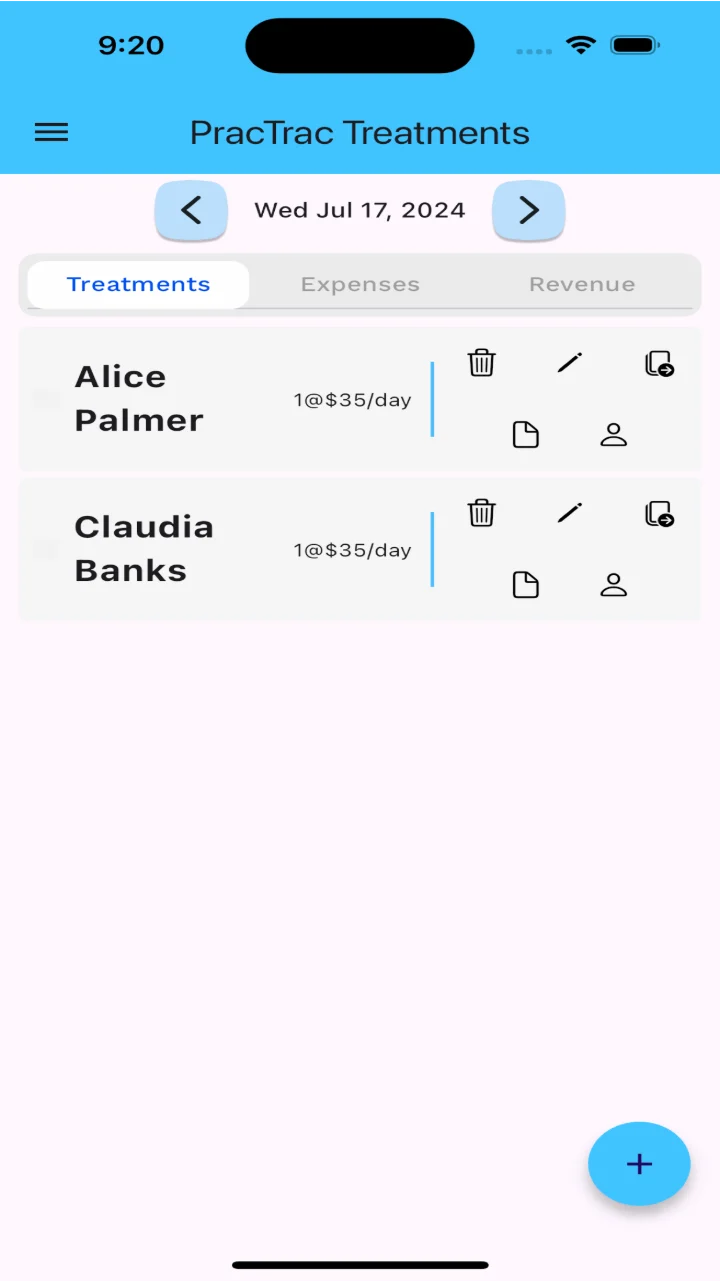
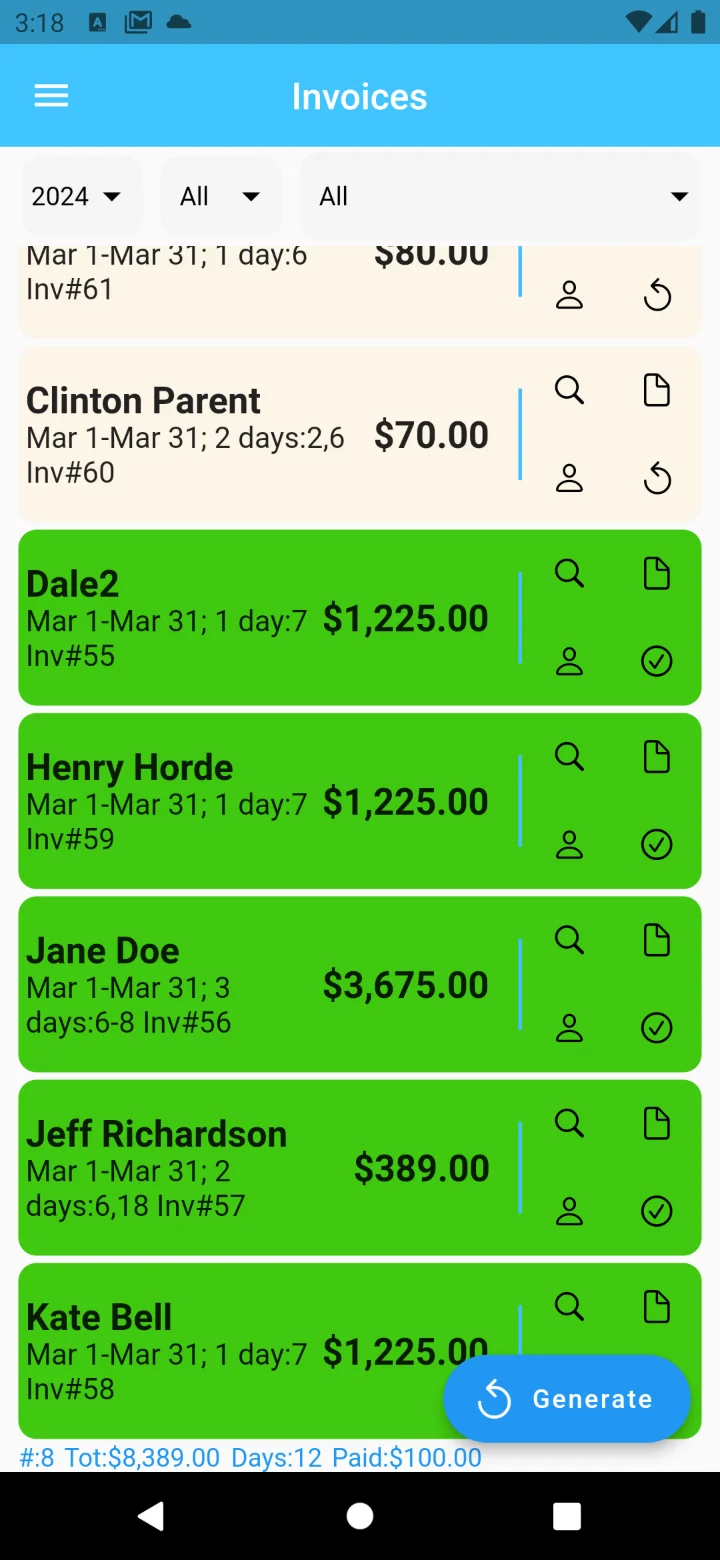
“The first month I used it, it cut my billing time by over 50%.”
The apps
One app for practitioners. One for nurses.
Each is built around the way its users work — the same simple record of treatments and care, turned into invoices, statements and reports.
Compare the appsRecord daily treatments, generate patient invoices automatically and keep track of payments and practice expenses.
$49.99per year, subscription
Record daily care and patient expenses, generate invoices automatically and track payments and expenses.
Freeno subscription
How it works
From the day’s treatments to a paid invoice.
- 01
Recording treatments and care
Enter daily treatments and care. Choose from multiple treatment types such as Office Visit or Daily Rate. Christian Science nurses can also enter patient expenses.
- 02
Invoicing
Each month — or every two weeks — the app generates patient invoices from the treatments you entered, then lets you email them to patients in moments. Invoice reductions and notes are supported.
- 03
Tracking payments and expenses
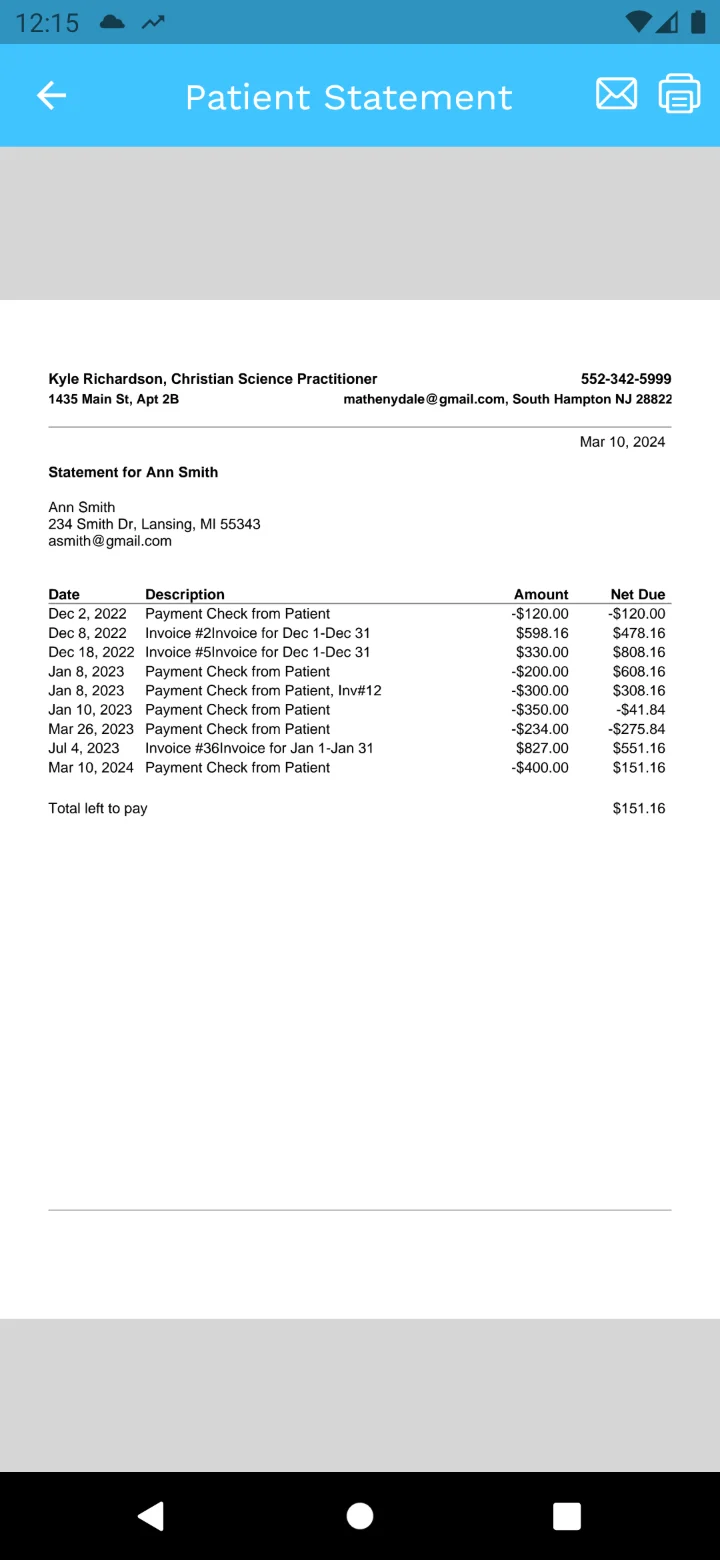
Enter payments received and practice expenses. Produce patient statements showing every invoice and payment with the current amount due, or an income and expense report for the month or year to date.
From practitioners using PracTrac
“I love this app. Whether it’s making patient lists, billing or payments, it’s all done easily and quickly and then saved for future reference. The first month I used it, it cut my billing time by over 50%. It also makes it easy to use email billing which saves time and money.”
As a Christian Science practitioner, and having beta-tested and used this wonderful app, I think this will be of great use to any Christian Science practitioner with an iPhone.
The highlights for me:
- It saves me half the time I used to take creating and emailing invoices.
- It tracks with ease daily notes, treatments, and patients.
- Keeps everything completely confidential and ALL my work goes where I go.
Privacy & security
Your patients’ records stay confidential.
Practice records are personal. Here is how the apps look after them, in the words of our privacy policy.
Read the privacy policyStored securely, backed up daily
App data is kept in Google’s Firebase data store, encrypted at rest and in transit, and backed up every day.
Never viewed without permission
Patient data is not viewed or accessed without your direct permission, and is never used outside the apps.
Encrypted passwords
Passwords are encrypted and cannot be viewed by anyone except you.
Never sold or shared
Your personal information and application data will not be sold, distributed or leased to third parties.
Video tutorials
Prefer to see it first?
Watch PracTrac turn a month of treatments into invoices, or follow the 5-part CSNTrac series from getting started through to financial reports.
- 01Getting started
- 02Patient care and expenses
- 03Invoices
- 04Payments
- 05Financial reports
Treatments and invoices
Spend less time on invoices.
Download PracTrac or CSNTrac for iPhone or Android, or sign in from your desktop browser.